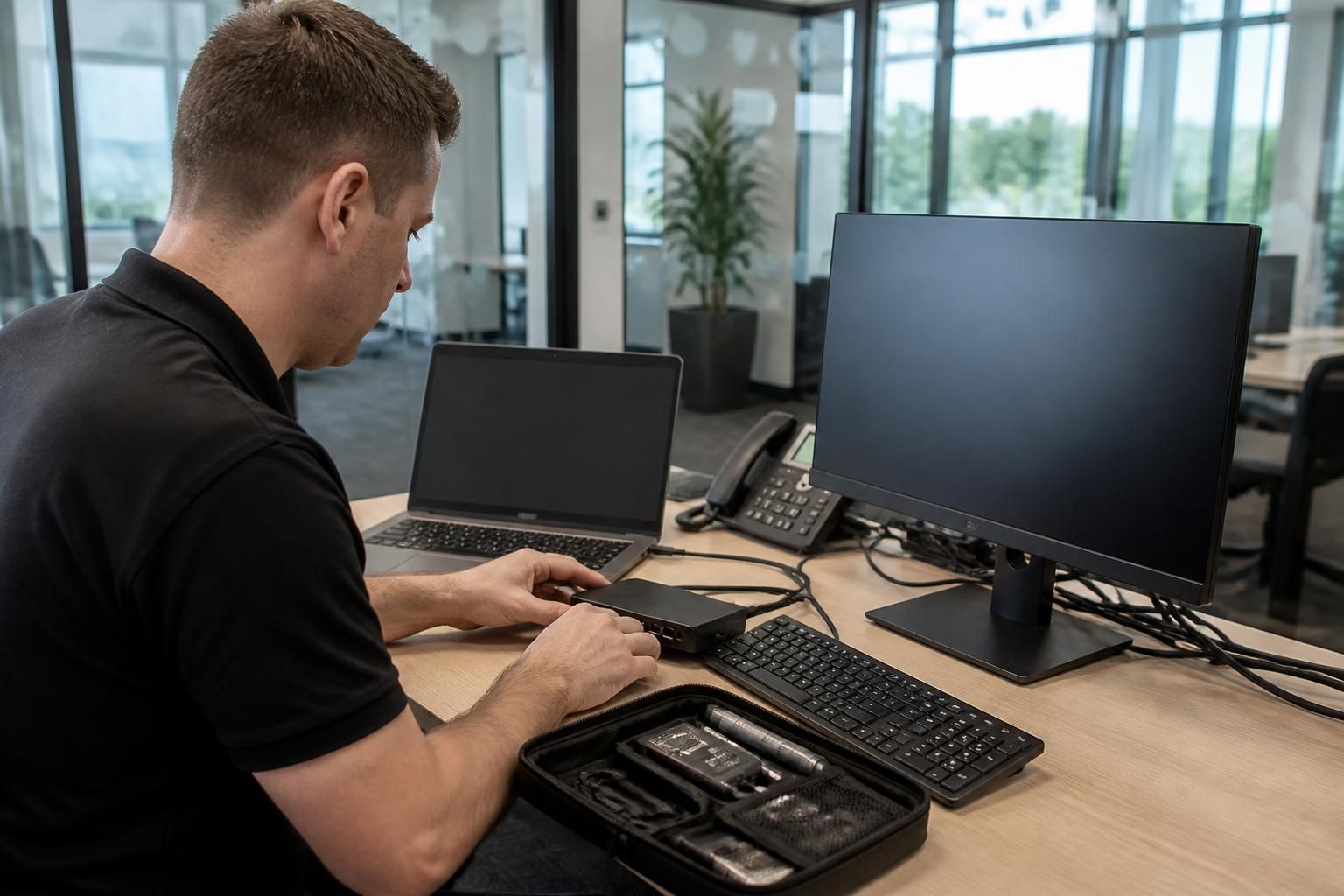
Can small business IT support help with hardware and device problems?
Yes. Small business IT support can diagnose hardware and device problems, including faulty computers, peripherals, connectivity issues and endpoint configuration, then advise on repair, replacement, secure setup or wider infrastructure upgrades where appropriate.
Yes. Effective small business IT support treats hardware and device problems as both technical faults and operational risks. It assesses what has failed, how the issue affects the user or wider business, and whether the appropriate response is repair, reconfiguration, replacement or a change to the underlying IT environment.
A structured investigation normally begins by recording the symptoms, when they started and which users or systems are affected. The support provider can then separate a physical fault from a software, configuration, account or network problem. This prevents unnecessary replacement of equipment when the cause is elsewhere and helps identify recurring faults that may indicate a wider weakness.
Common areas of support include:
- computers that will not start, crash, overheat or perform inconsistently;
- monitors, docking equipment, keyboards, mice and other workplace peripherals that are not recognised or operating correctly;
- printers and shared equipment that require configuration or troubleshooting;
- devices with unsuitable settings, missing drivers, failed updates or conflicting software;
- new or replacement equipment that needs to be configured for the organisation;
- remote workers’ devices that need to connect securely to business systems; and
- equipment that is no longer suitable for current applications, security requirements or user workloads.
The remedy should be based on more than the purchase price of a replacement. Relevant considerations include the device’s age, warranty position, repairability, compatibility with existing systems, security capability and likely effect on productivity. A repair may be sensible for an isolated, serviceable fault, while replacement may be more appropriate where a device repeatedly fails, cannot support required security controls or is creating avoidable support work.
Device support also has an important data-protection element. Before equipment is repaired, reconfigured or replaced, the business should establish whether locally stored data needs to be backed up or transferred. Access to business information should be controlled during the work, and retired equipment should be handled in a way that prevents confidential data from remaining accessible. The exact process will depend on the device, the organisation’s policies and where its data is stored.
Good support does not stop when an individual fault is resolved. Records of devices, configurations, recurring failures and warranty information can support better lifecycle planning. Standardising approved equipment and maintaining consistent configurations can also make future troubleshooting easier, reduce compatibility issues and help ensure that security updates and management controls can be applied consistently.
Hardware problems can sometimes expose a broader infrastructure issue. For example, repeated problems with connectivity, shared devices or access to business applications may point to weaknesses in the office network, cloud configuration or remote access arrangements rather than a faulty endpoint. In these cases, the support provider should explain the underlying cause and distinguish an immediate workaround from a longer-term improvement.
S2 Technology Group provides IT support for small and medium-sized organisations, including advice on device management, secure configuration and infrastructure upgrades. Its service is relevant to businesses around Stourbridge, Kinver, Wordsley, Kingswinford, Kidderminster, Halesowen, Dudley and neighbouring areas that need practical assistance with maintaining dependable workplace technology.
Small business IT support can also prevent a minor device fault from becoming a safety, warranty or business continuity issue. A user may be able to reconnect a loose cable or restart a peripheral, but overheating, liquid damage, electrical smells, damaged power connections and repeated shutdowns require the device to be taken out of use and assessed appropriately.
Support should give employees clear boundaries for safe troubleshooting. This can include identifying which checks are suitable for users, when equipment should be isolated, and when opening or modifying a device could create additional damage or affect its warranty. Clear guidance helps staff avoid unsafe workarounds and gives the technician the information needed to decide the next step.
This approach is particularly useful where equipment is shared or supports an important business process. A documented procedure can identify who should be notified, what alternative equipment may be used and how the affected device is handled until it has been checked. In this way, hardware support addresses the practical consequences of a fault as well as the device itself.