
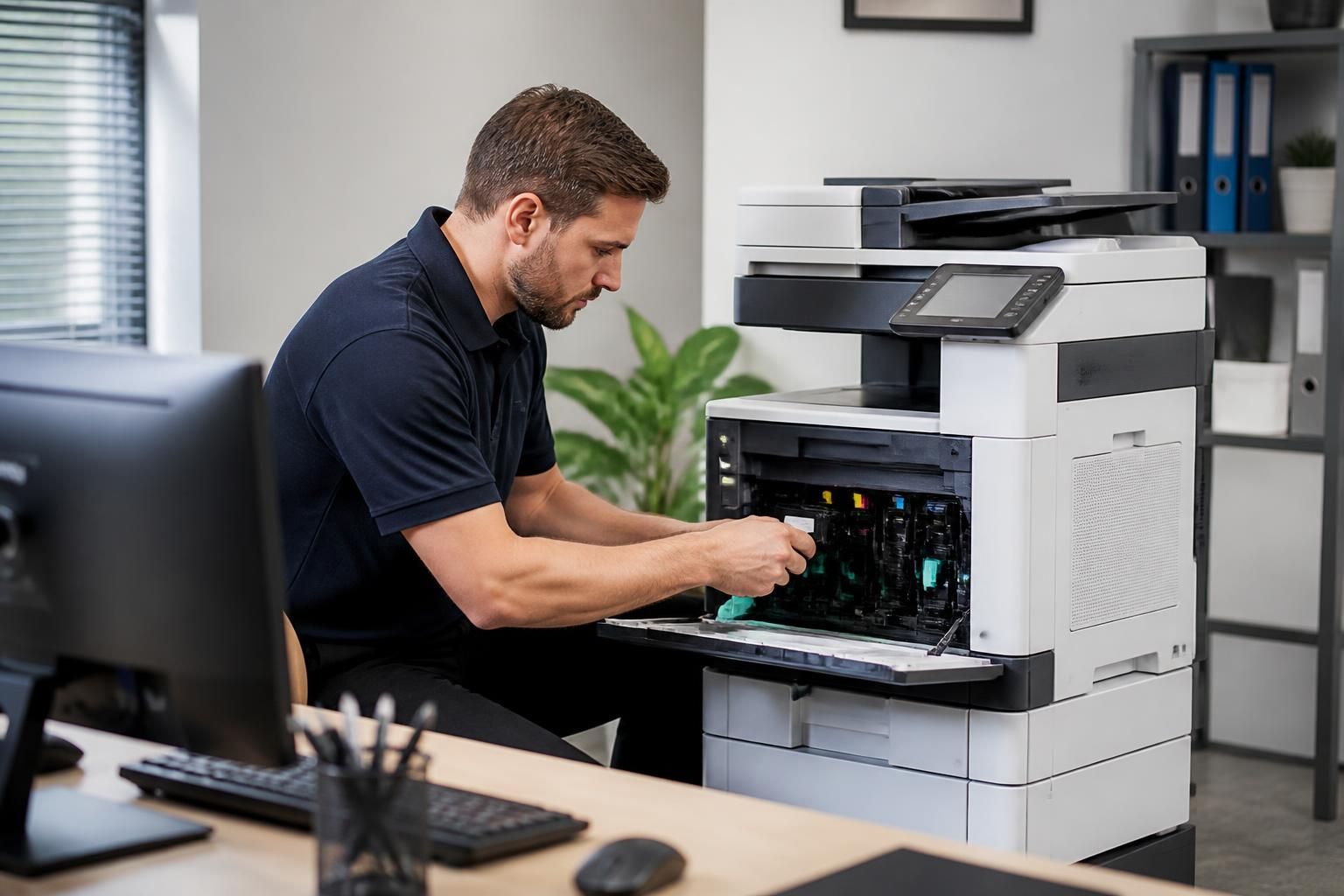
Can onsite IT support assist with business printer problems?
Yes. Onsite IT support can inspect business printer hardware, connections, drivers and configuration directly, helping distinguish physical faults from network or software problems and apply the appropriate fix.
Yes. Onsite IT support can help resolve business printer problems by testing the complete printing process in the environment where the fault occurs, from the user’s workstation and network connection through to the printer’s output. This is particularly useful when symptoms are intermittent, affect several users or cannot be reproduced reliably through remote access.
Common problems that may be investigated include:
- Paper feed failures, repeated jams, misalignment and problems with duplex printing
- Faded, streaked or distorted output caused by worn components, incorrect settings or consumable issues
- Jobs remaining in a queue, printing in the wrong order or being sent to an unexpected device
- Intermittent loss of access from particular computers or offices
- Scanning, copying or finishing faults on multifunction devices
- Error messages that appear only under certain paper, tray or print-volume conditions
A technician can observe the fault directly, examine the printer’s operating state and carry out controlled test prints. They may also compare results from different users, paper trays and document types. This helps establish whether the problem is isolated to one workstation, affects a shared queue or originates within the printer itself.
Network and queue issues often require more than checking the device. The technician can review how the printer is published and accessed, examine stalled jobs, confirm that the correct queue is being used and check whether address or communication changes have affected connectivity. Where a print server is involved, the investigation may include queue behaviour, permissions and the relationship between the server and connected workstations. Testing from more than one computer helps separate a local configuration problem from a wider service issue.
Onsite assistance can also improve reliability by identifying conditions that cause faults to recur. These might include unsuitable paper, an overloaded tray, incorrect device defaults, poor placement, restricted ventilation or mechanical wear. The technician can document the pattern, apply appropriate configuration changes and explain any user or maintenance actions needed to prevent the same issue returning. If the evidence points to a failed component or specialist repair, the findings can be passed to the relevant service provider rather than treating repeated symptoms as a software fault.
Security and information handling should form part of the visit. Test documents should contain only suitable sample content, and printed pages containing confidential information should not be left on output trays. Access permissions, stored print jobs and scan destinations may also need consideration, particularly where the printer is shared across departments. These checks help ensure that resolving a technical fault does not create an avoidable information-handling risk.
Businesses can make the investigation more efficient by recording when the problem occurs, which users and devices are affected, any displayed error messages, the document type involved and whether restarting the printer changes the result. Providing this history gives the technician a clearer basis for testing and helps determine whether the appropriate outcome is a configuration change, maintenance task, component repair or planned equipment replacement.
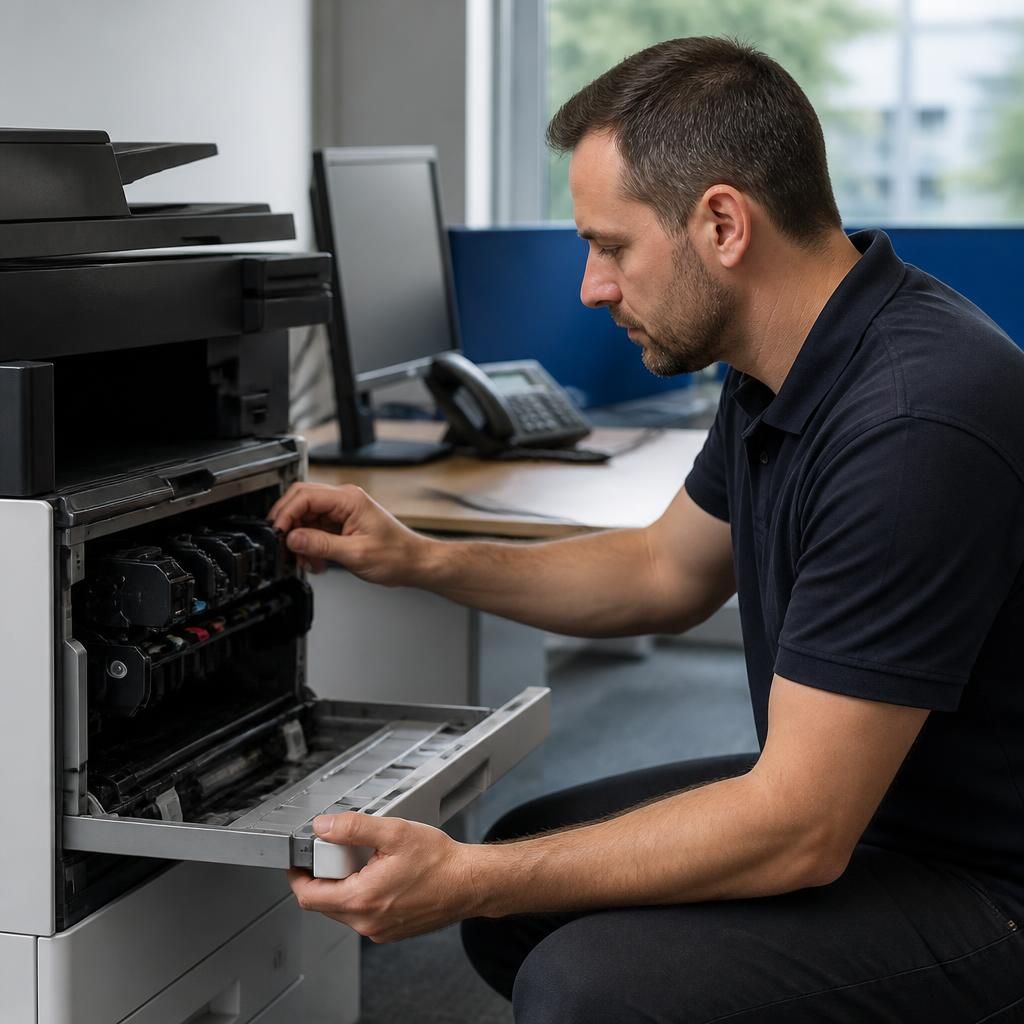
Onsite support can also make printer troubleshooting safer by controlling how changes are introduced. Before altering settings, the technician can record the current configuration, identify which users and services depend on the device, and preserve relevant settings where the equipment allows it. Changes can then be applied in a controlled sequence, with a test print after each significant adjustment. This makes it easier to identify the change that resolved the fault and reduces the risk of disrupting a shared business printer while investigating it.