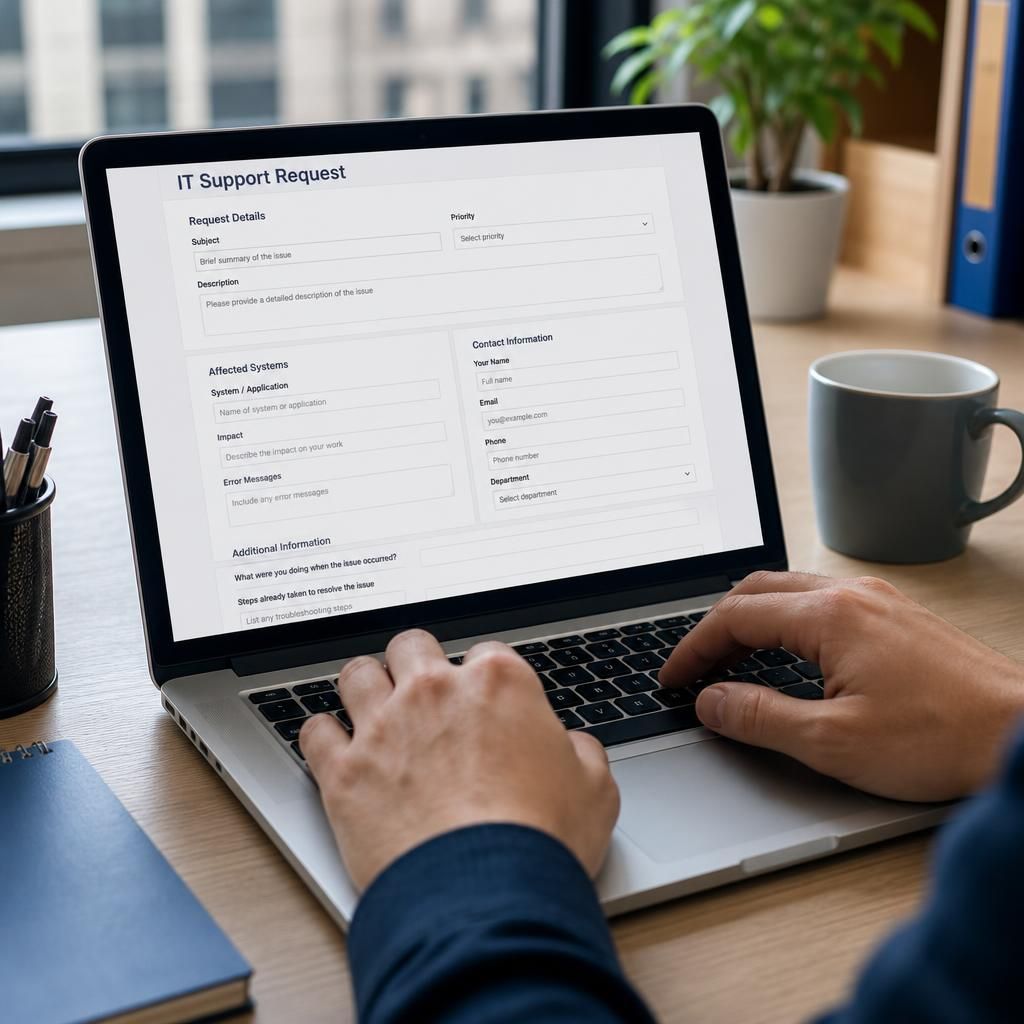
What information should businesses provide when requesting emergency IT support?
When requesting emergency IT support, provide a clear description of the problem, when it began, which systems and users are affected, and how it is impacting the business. Include relevant error messages, recent changes, troubleshooting already attempted, affected devices or accounts, and the names of authorised contacts who can approve technical actions.
Businesses requesting emergency IT support should provide enough operational, security and access information for the incident to be assessed without exposing confidential data unnecessarily. In addition to describing the fault itself, include who is requesting assistance, where the issue is occurring, which business functions are most critical, what access can be granted, and any restrictions that the support team must follow.
Identify the organisation and the person making the request
- Give the organisation’s name, the requester’s full name, job role and preferred contact details.
- State whether the requester is an employee, manager, director, site contact or another approved representative.
- Provide a second business contact if the primary contact may become unavailable during the incident.
- Explain who is responsible for approving access, system changes, service restoration or other high-risk actions.
This information helps distinguish an authorised support request from an unverified instruction, particularly when an incident involves privileged accounts, financial systems or sensitive business information.
Describe the affected business operation
Explain which business activity is being disrupted rather than relying only on technical terminology. For example, state whether staff cannot process orders, access production information, communicate with customers, complete deliveries, submit records or use a line-of-business application. Identify any legally, contractually or operationally important deadline connected with the incident.
Where several services are involved, separate the critical function from secondary inconvenience. A complete loss of access to an essential system may need to be handled differently from a problem affecting a small group of non-critical users.
Provide site and infrastructure context
- State the office, warehouse, factory or other premises involved, including whether the issue affects one location or several.
- Explain whether staff are working from the premises, remotely or across different locations.
- Identify relevant internet connections, on-site equipment rooms, servers, network cabinets or other physical infrastructure.
- Confirm whether anyone is available to provide safe physical access, if an on-site check becomes necessary.
- Note any site restrictions, induction requirements, security procedures or health and safety considerations.
Do not assume that a problem affecting one user has the same cause as a problem affecting an entire site. The location and scope of the disruption provide important context for deciding whether the issue is likely to involve an individual device, local network, shared infrastructure or an external service.
Explain available access and technical dependencies
Tell the support provider how authorised technical access can be arranged. This may include remote support access, a nominated administrator, a site contact or an internal IT representative. State whether multi-factor authentication, approval workflows, privileged access controls or separate credentials are required.
Never include passwords, authentication codes, private keys or recovery phrases in an email or support request. Do not disable security controls simply to make access easier unless that action has been assessed and approved. If credentials may have been exposed, say so through a secure reporting route without copying the credentials themselves.
It is also useful to identify dependencies such as internet connectivity, identity services, file storage, telephony, hosted applications, backup systems or network equipment. A service may appear unavailable because a supporting dependency has failed, so this context can prevent changes being made in the wrong area.
Share relevant records and evidence safely
Provide incident tickets, monitoring notifications, system logs, audit records, screenshots or other evidence where these are available and safe to share. Preserve original files and note when each item was collected. If a security incident is suspected, avoid editing, deleting, renaming or repeatedly opening files that may later be needed for investigation.
When sending screenshots or logs, remove unnecessary personal information, customer records, payment details and confidential documents. Retain the original evidence internally so that redacted copies can be distinguished from the source material. If the issue involves suspicious email, include the message as an attachment or in its original format where possible rather than forwarding it in a way that removes technical details.
State what must not happen
Tell the support team about any operational or compliance limits before technical work begins. Relevant information may include:
- systems that must not be restarted or disconnected without a specific approval;
- production, clinical, safety-critical or monitoring equipment that must remain in service;
- data that must remain within a particular location or access boundary;
- change-control, regulatory or customer notification requirements;
- backup, retention or forensic preservation requirements; and
- actions that need approval from a director, system owner, data protection lead or another specialist.
These constraints should be explicit. A support engineer should not have to infer that a restart, password reset, isolation step or configuration change could affect an important process.
Include relevant security information
If there is any possibility of unauthorised access, malware, a compromised mailbox, data exposure or unusual account activity, say so at the start of the request. Record which accounts, devices, files or services may be involved, while avoiding the transmission of secret credentials. Mention whether a suspicious message, unauthorised login, lost device or other security event has already been reported to an internal security, legal, insurance or regulatory contact.
Do not delete suspicious messages, wipe devices or rebuild systems before the implications have been considered. Those actions may remove useful evidence or make it harder to establish what happened. If containment is necessary to protect the business, record who authorised it and the time it took place.
Keep a simple incident record
Nominate one person to maintain a record of significant decisions, communications and technical actions. The record should include:
- the time each important event or action occurred;
- the person who requested, approved or carried out the action;
- the system, account, site or device involved;
- the result of the action, including any unexpected effect; and
- any follow-up task, owner or outstanding risk.
A shared incident record reduces conflicting instructions and gives the business a reliable account for internal review, customer communication, insurance matters or regulatory assessment where applicable.
For businesses using S2 Technology Group for managed IT support, this information can be provided through the organisation’s agreed support route, with sensitive evidence and access details handled using the approved secure method. The aim is to give the technical team a dependable operational picture while preserving security, authorisation and evidence throughout the incident.
A useful emergency IT support request should state the result the business needs, not just describe the fault. Explain whether the priority is to restore a particular service, preserve access to essential data, enable a specific team to work, or establish a safe temporary workaround while the underlying issue is investigated.
Where more than one outcome is possible, distinguish the preferred option from an acceptable interim arrangement. For example, staff may be able to work from an alternative application, location or process while access to the primary system is restored. Also state any point at which the workaround will no longer be viable, such as a customer commitment, production stage or internal deadline.
- Define what a workable service state looks like for the affected users.
- Identify which users, teams or functions should be restored first.
- Explain whether temporary measures are acceptable and what limitations they may have.
- Confirm who can decide that the service is sufficiently restored for normal work to resume.
This gives the support team a practical basis for weighing restoration, containment and investigation. It also reduces the risk of treating a technically available system as fully recovered when important business functions remain unusable.