What training does a business VoIP system require for staff?
Staff training for a business VoIP system should cover making and receiving calls, transferring callers, using voicemail, managing presence settings and handling conferencing features. It should also include security practices, such as protecting user credentials, recognising suspicious calls and reporting unusual account activity.
The training required for a business VoIP system depends on the platform’s features, the organisation’s workflows and each employee’s role. Most implementations need a short user orientation, role-based practical training, guidance for working from different devices or locations, and follow-up support after launch. Administrators and supervisors require additional training because they may manage users, settings, reports and service changes.
Training should begin with the way the organisation intends to use the system, rather than with a list of every available feature. Before sessions are planned, identify:
- which employees use desk phones, softphones, mobile applications or shared devices;
- which teams need individual, shared or departmental telephone arrangements;
- how calls are routed between reception, departments, sites and remote workers;
- which staff supervise queues, monitor service activity or maintain user settings; and
- which existing procedures need to be reflected in the new system.
This assessment prevents people from being trained on functions they do not use while ensuring that important operational processes are covered. A receptionist, sales employee, warehouse worker, manager and system administrator may all use the same VoIP platform differently.
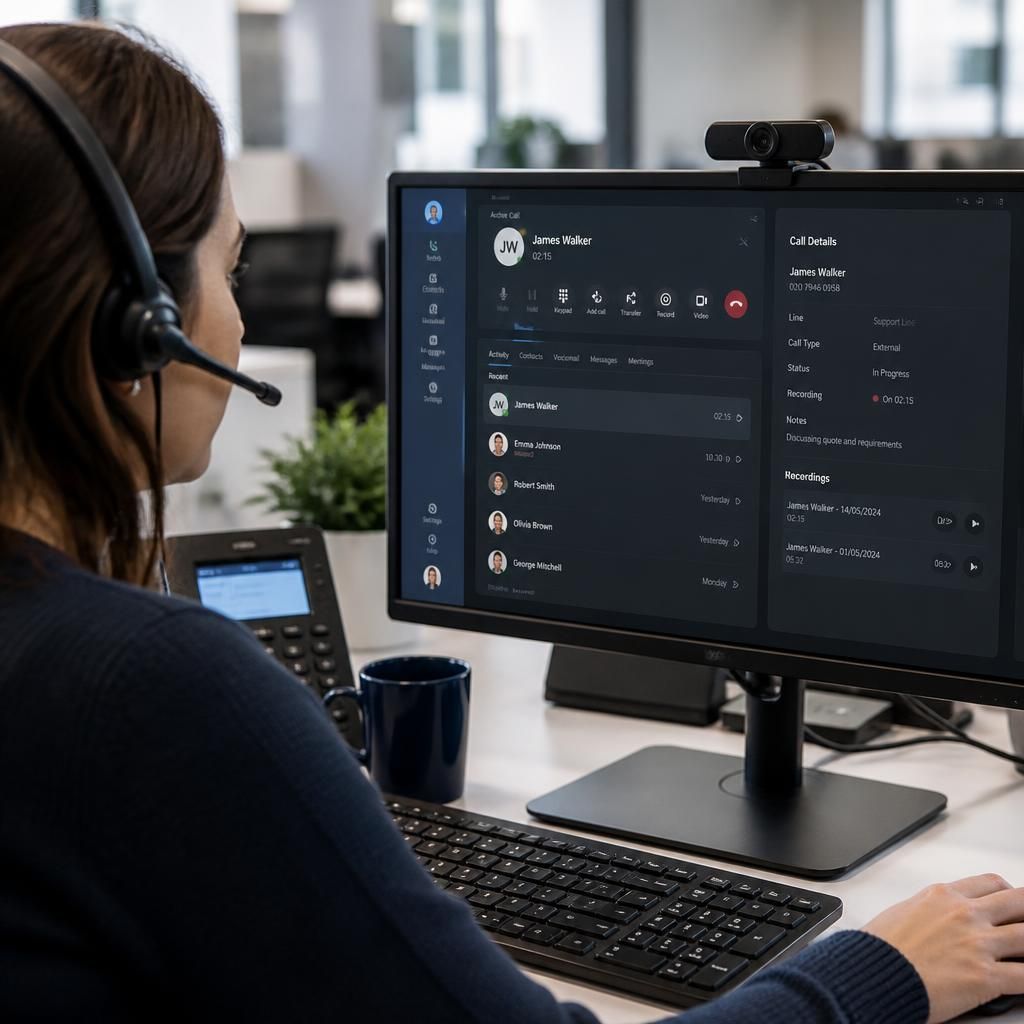
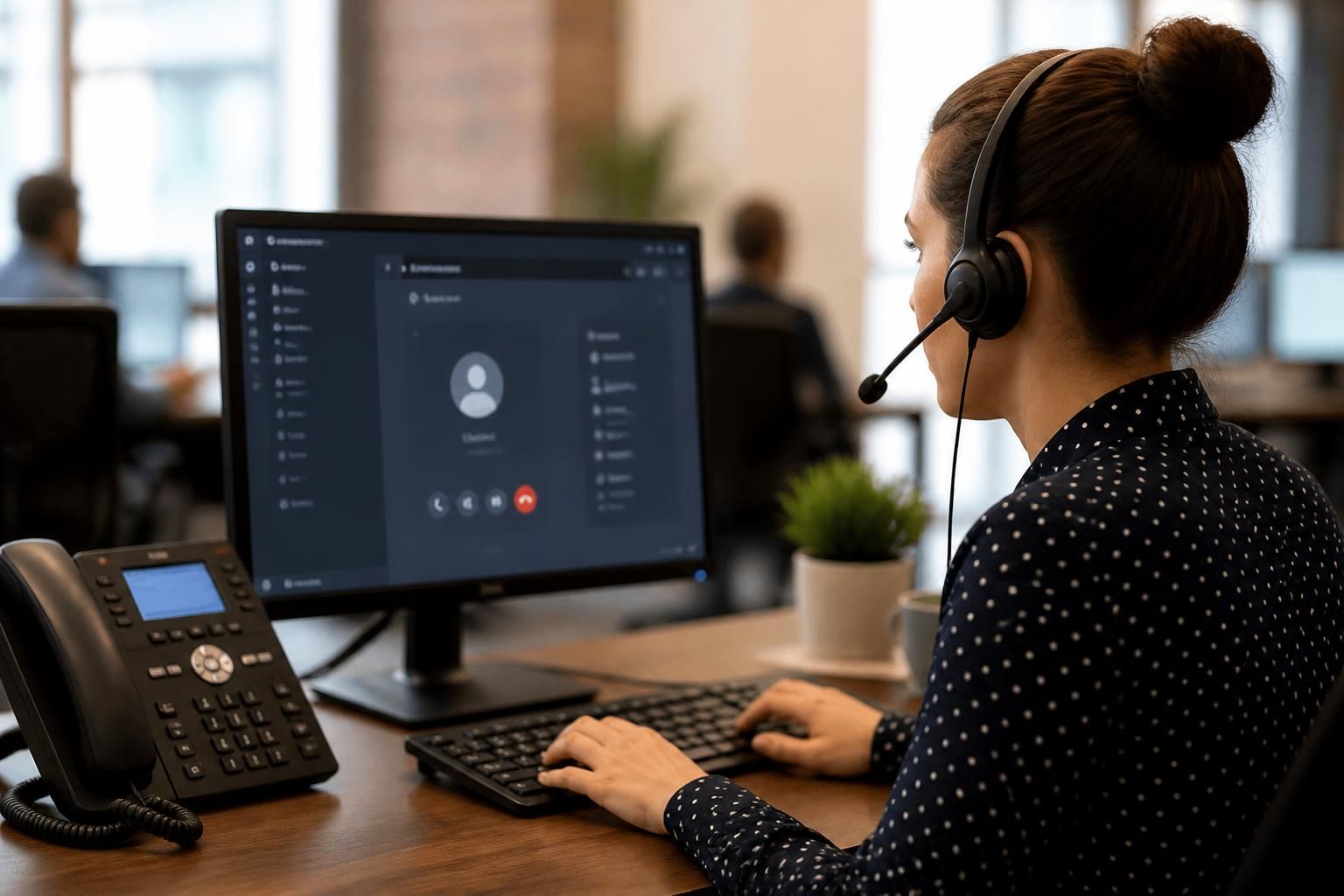
Employees should receive practical instruction on the equipment and applications assigned to them. This can include signing in to a softphone, selecting the correct audio device, adjusting microphone and speaker settings, using a headset, changing status indicators and switching between devices where the system supports it. Staff who work remotely should also understand how the approved application connects to the business service and what to do if their device, network connection or audio equipment is unavailable.
Training should explain the organisation’s call-flow rules and internal procedures. For example, staff may need to know which department receives a particular type of enquiry, when a caller should be passed to a colleague, how a missed contact is recorded and who owns a follow-up task. These are business-process decisions rather than VoIP features, but the system must be used consistently if reporting and customer communication are to remain accurate.
Supervisors and team leaders usually need a separate module. Their training may cover viewing team status, assigning or changing users, managing queues, reviewing call records and interpreting basic activity reports. They should also understand which settings they are authorised to change and which changes must be requested from the IT administrator or service provider. Restricting administrative permissions helps prevent accidental changes to call routing or user configuration.
System administrators need more detailed technical and governance training. This should cover the administration portal, user provisioning, extension assignments, device replacement, permissions, configuration records and the process for reporting faults. Administrators should know how changes are approved, documented and reversed if a configuration has an unintended effect. They also need a clear escalation route for problems involving the network, handsets, applications or the VoIP service itself.
Effective training is usually a combination of demonstration and supervised practice. A useful session can follow this sequence:
- Explain the business process the feature supports.
- Demonstrate the task using the same device or application employees will use.
- Let each participant complete the task independently.
- Test a realistic variation, such as a colleague being unavailable or a user working from another approved device.
- Confirm where instructions and support details are recorded.
Short, role-specific sessions are often easier to apply than a single technical presentation. New starters should receive the relevant user guidance as part of induction, while administrators and supervisors should have access to more detailed reference material. Quick-reference documents should describe the organisation’s actual procedures, using the names of its teams and escalation contacts rather than generic platform terminology.
Training should also cover the changeover process. Employees need to know when the new system becomes the approved method, whether old equipment remains available during the transition, how existing contacts or settings are handled, and where to report an issue. A controlled pilot with representative users can reveal unclear instructions, unsuitable equipment settings and gaps in call flows before wider deployment.
Follow-up is an important part of training because users often identify questions only after using the system in normal work. Review support queries, repeated errors and unused functions after implementation, then update guidance or arrange targeted refresher sessions. Training should be repeated when the organisation adds locations, changes departments, introduces new devices or alters its call-routing arrangements.
The training plan should be checked against measurable tasks rather than attendance alone. Users should be able to complete the activities relevant to their role without assistance, while administrators should be able to make approved changes safely and explain how those changes are recorded. This approach provides a practical standard for adoption without requiring every employee to learn the full technical configuration of the business VoIP system.
Business VoIP training should include the organisation’s rules for call recording, monitoring, transcription and the handling of information discussed during calls. Staff need to understand when these functions are used, what callers are told and how recordings or transcripts may be accessed.
- Explain when a call must be recorded, paused or excluded from recording.
- Show employees how to check whether recording or transcription is active, where the system supports this.
- Train staff to avoid discussing confidential information where other people can hear, particularly when using a speakerphone or working in a shared space.
- Explain the correct procedure if a caller asks about a recording, requests information or raises a privacy concern.
- Make clear which teams are authorised to access call records and who should handle related requests.
This guidance should be incorporated into realistic call exercises rather than delivered only as policy text. For example, staff can practise placing a caller on hold before discussing sensitive details internally, confirming that the correct person has joined a conference call and ending a recording when the permitted business purpose has finished. These exercises help employees apply the organisation’s communication and information-handling rules while using the VoIP system.