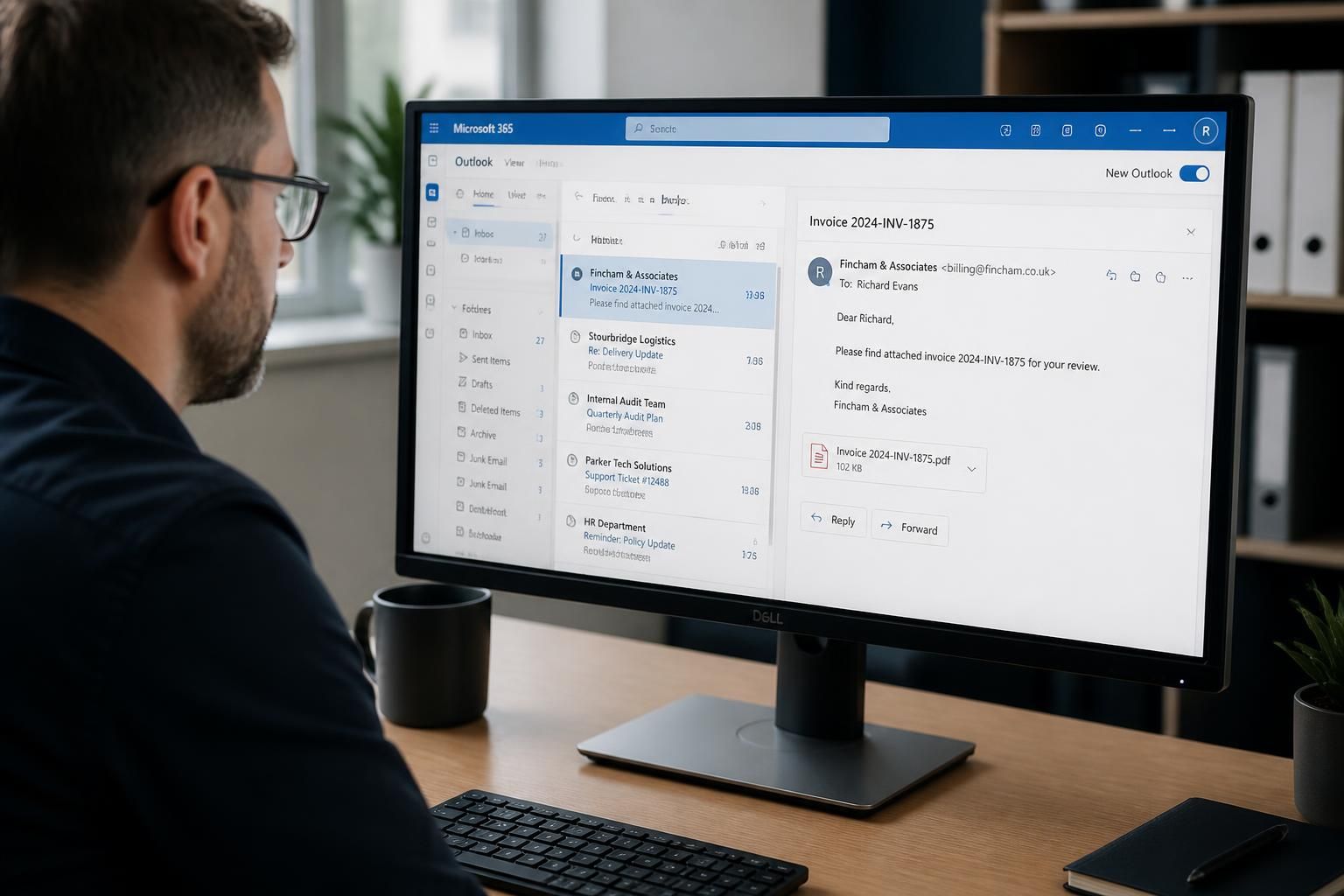
Can Microsoft 365 backup restore individual emails?
Yes. A Microsoft 365 backup with granular, item-level recovery can restore an individual email without restoring the entire mailbox, typically allowing it to be returned to its original location or recovered elsewhere, depending on the backup platform and configuration.
Individual-email recovery depends on whether the protection system indexes mailbox items separately and preserves the required recovery point. Where it does, an administrator can identify a message within the backed-up mailbox data and recover that item rather than replacing the mailbox as a whole.
The recovery process generally involves selecting:
- the user mailbox containing the message;
- the backup date or recovery point to search;
- the message, folder or date range required; and
- the destination for the recovered item.
Depending on the platform, the email may be placed back in its original folder, copied to another folder, exported for review, or delivered to a different mailbox. The available options depend on the backup product, permissions, retention settings and how the Microsoft 365 environment has been configured.
Granular recovery can be useful when a message has been deleted accidentally, removed from the Deleted Items folder, altered by mistake or affected by a mailbox incident. It may also preserve associated data such as attachments and message metadata, although the exact information recovered should be confirmed in the backup platform’s documentation and tested in the organisation’s own environment.
There are important limits to consider. A backup can only restore data that was captured at a suitable recovery point. A message received or changed after the relevant backup may not be present in that copy. Retention policies also determine how far back the organisation can search, while exclusions, licensing, failed backup jobs or incomplete configuration can affect what is available.
Backup recovery is different from Microsoft 365’s built-in retention, litigation hold and Deleted Items features. Those controls can help preserve or retrieve certain content, but they are governed by their own policies and administrative settings. A separate backup provides another recovery mechanism, provided mailbox data is being protected and the required retention period has been configured.
Before relying on individual-email recovery, an organisation should confirm that the service:
- covers the relevant user mailboxes and shared mailboxes;
- supports searching by practical criteria such as sender, recipient, subject or date;
- preserves attachments and relevant message properties;
- offers suitable restore destinations and access controls;
- records recovery activity for audit purposes; and
- has been tested using representative messages.
A controlled test should check both the technical result and the administrative process: whether the intended message can be located, whether it opens correctly with its attachments, whether duplicate copies are created, and whether the restored content is accessible only to authorised users. This helps identify configuration or permission issues before an actual email recovery is needed.
An individual email is normally recovered as a discrete mailbox item, not as an entire conversation. Restoring one message will not necessarily restore earlier replies, later responses, related calendar entries or other messages in the same thread. This distinction matters when the aim is to retrieve a specific communication rather than reconstruct the wider correspondence.
Before starting recovery, identify whether the requirement is the message itself, its attachments, or the surrounding conversation. For example, a finance team may need one invoice email for reference, while an investigation may require several related messages and their original context. Defining this scope helps the administrator select the appropriate items and destination without bringing back unrelated mailbox content.